Trends Recap: 2025 Design Movements That Will Define Your Sites in 2026
The 2025 web design trends are reshaping how websites look and feel, setting the stage for what your site needs...
At Switchpoint Design, we understand the critical role that a well-maintained WordPress website plays in your online presence. Our WordPress Post and Page Management service is designed to keep your site fresh, engaging, and optimized for both users and search engines. We take the hassle out of content management, allowing you to focus on your core business while we ensure your website remains a powerful tool for attracting and retaining customers.
Our team of experienced WordPress professionals will handle all aspects of your post and page management. We'll create and schedule new content, update existing pages, and ensure that your site structure remains intuitive and user-friendly. We pay close attention to on-page SEO elements, including meta descriptions, title tags, and internal linking, to boost your search engine visibility and drive organic traffic to your site.
We understand that consistency is key in maintaining a professional online presence. That's why we work closely with you to develop a content strategy that aligns with your brand voice and business goals. Whether you need regular blog posts, product updates, or static page revisions, we'll ensure that your WordPress site always presents your best face to the world.
Our service also includes regular content audits to identify and refresh outdated information, broken links, or underperforming pages. We'll provide detailed reports on your site's performance, giving you valuable insights into user engagement and content effectiveness. With Switchpoint Design managing your WordPress posts and pages, you can be confident that your website will remain a dynamic, effective tool for growing your business and connecting with your audience.
To create a new post, log into your WordPress dashboard, click on “Posts” in the left menu, then click “Add New.” You can then add your title, content, and other details.
Yes, you can schedule posts. When creating or editing a post, look for the “Publish” box on the right side. Click “Edit” next to “Publish immediately” and set your desired date and time.
Categories are broad groupings for your content, while tags are more specific keywords. Use categories to organize your posts into main topics, and tags to describe specific details within those posts.
Yes, you can preview your post before publishing. While editing, look for the “Preview” button in the “Publish” box on the right side of the screen. Click it to see how your post will appear on your site.

Our Team of Professional WordPress Developers & Designers are ready to help you!
The 2025 web design trends are reshaping how websites look and feel, setting the stage for what your site needs...
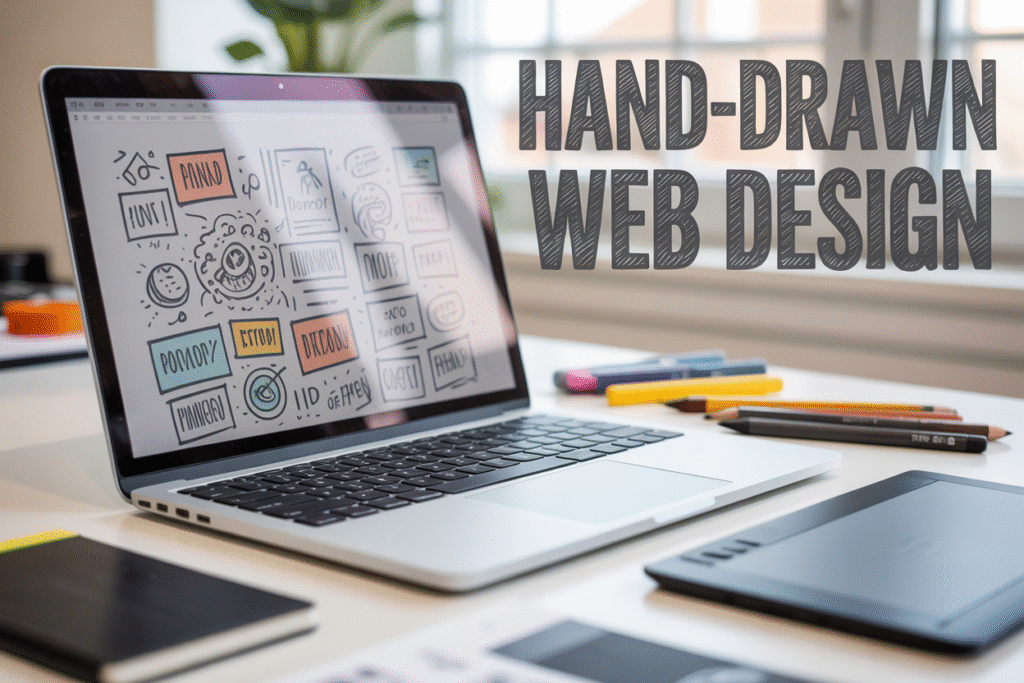
The hand-drawn website design trend is transforming how we think about digital aesthetics. Sketchy borders, doodled icons, and illustrated accents...
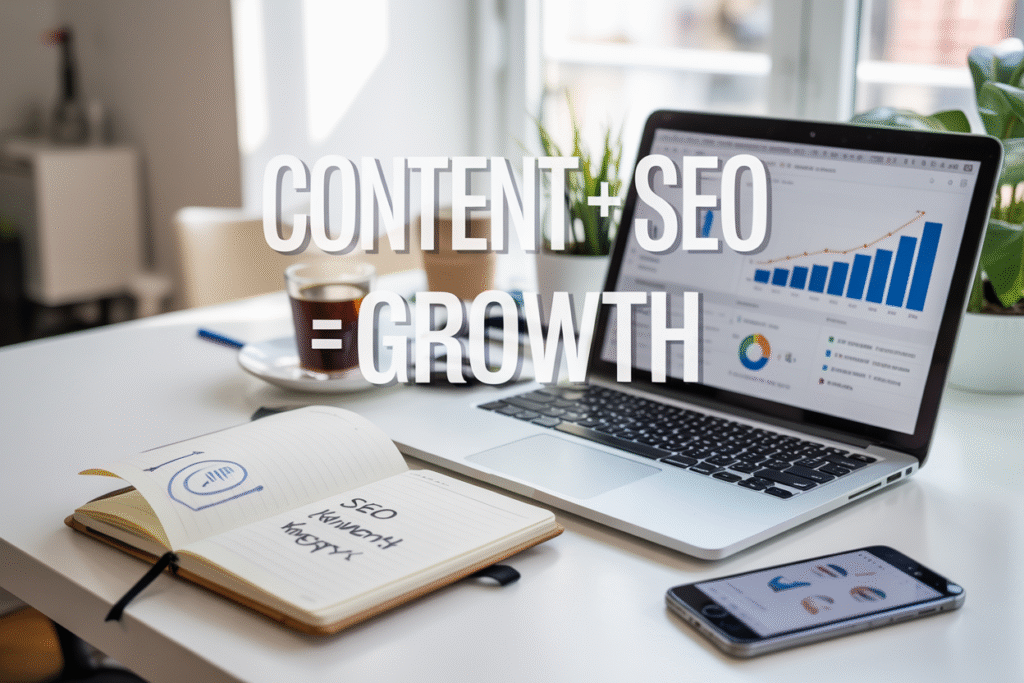
Creating content that ranks well and builds your brand isn't just about stuffing keywords into blog posts. Savvy marketers, business...
Need professional graphics but don't have thousands to spend on a design agency? Crowdsourced graphics let you tap into a...
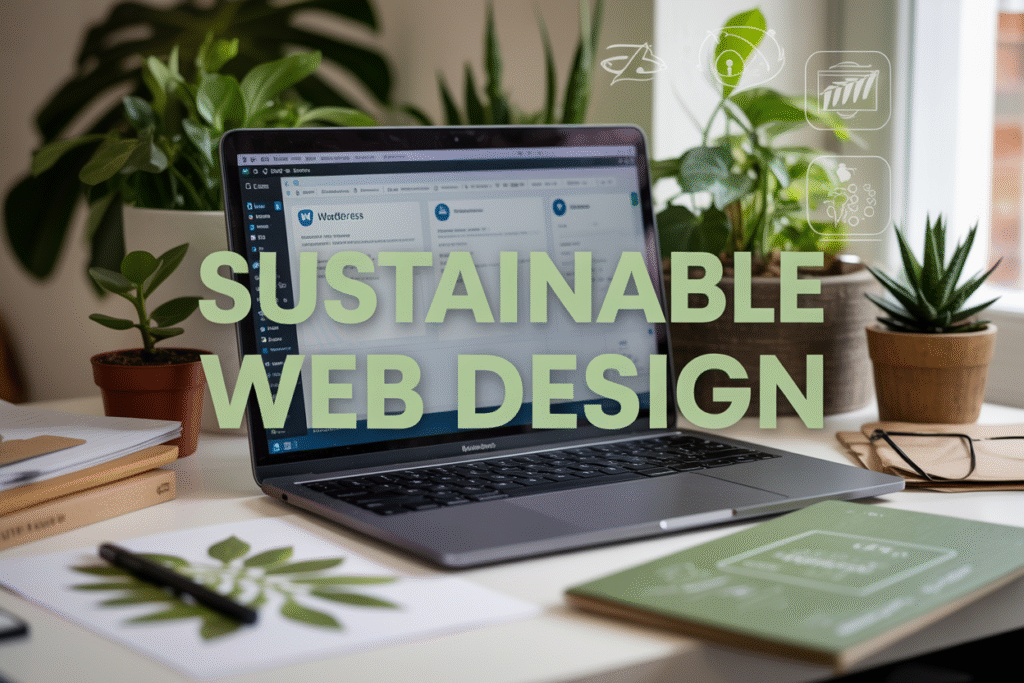
Your WordPress website might be secretly harming the planet. Every page load, image display, and database query consumes energy that...
Why Bold Minimalism—Less but Impactful—is Winning in 2025 Design leaders, business owners, and marketing teams are witnessing a significant shift...